Download the jw66 App — Play Anywhere in Malaysia
Get the full jw66 casino experience on your Android phone. Over 3,000 games, instant DuitNow deposits from RM15, and withdrawals processed in 25 minutes. Free to download, no account required to install.
What You Get in the jw66 App
Everything the full site has — optimised for one-handed play on the commute or at home.
3,000+ Games at Your Fingertips
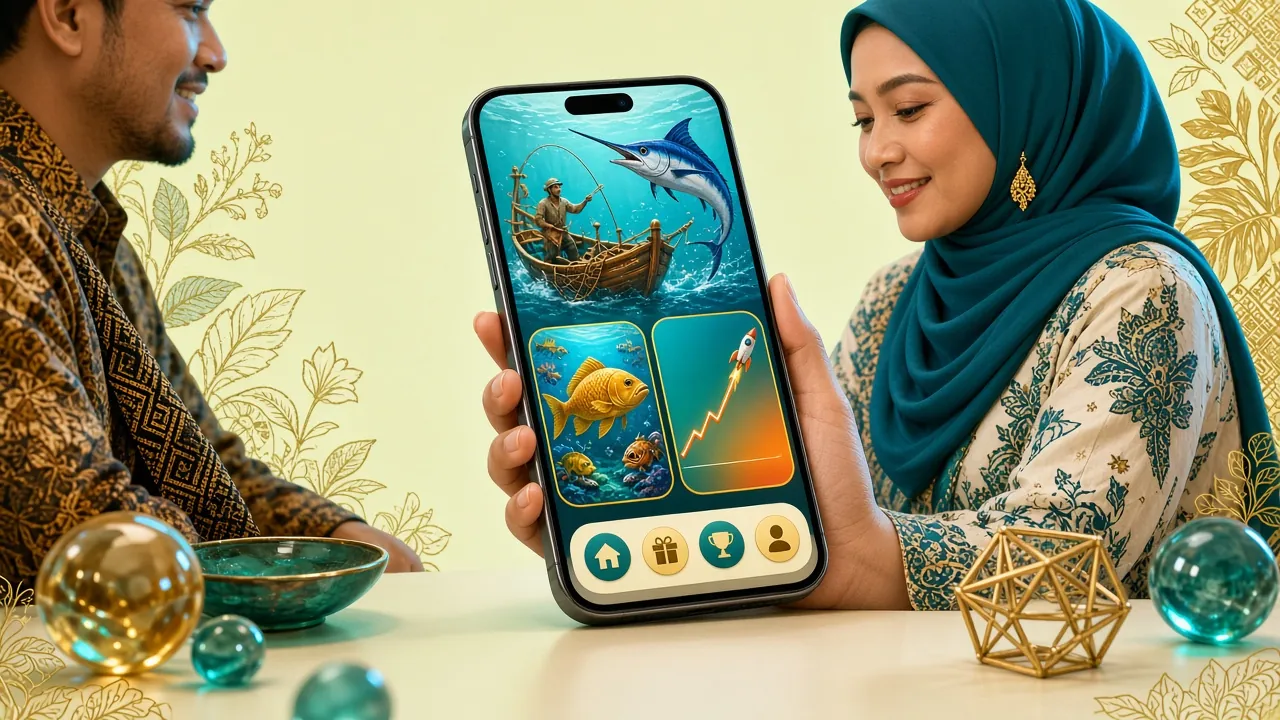
The jw66 app gives you the complete game lobby: slots, live casino tables, crash games, card games and fishing — all load quickly on 4G or Wi-Fi. Titles from CQ9, Sexy Gaming, Ezugi, Evolution and Habanero are all present and sorted by category for easy browsing.
Deposits Ready in 2 Minutes
Link your Touch 'n Go eWallet, DuitNow, FPX or bank transfer directly in-app. The minimum deposit is RM15 — low enough for a quick session on a weekday evening. Funds reflect within 2 minutes so you're not kept waiting before a match night.
Your 130% Bonus Applies In-App
New to jw66? Register through the app and your first deposit earns a 130% welcome bonus up to RM925. The same wagering requirement of 13× applies. All ongoing reload bonuses and daily 1.3% cashback are accessible from the Promotions tab inside the app.
Push Notifications for Promotions
Opt in to push alerts so you never miss a time-limited reload offer or a new game launch. Notifications are configurable — you can choose to receive only bonus reminders, game updates, or both. You remain in control; turn them off any time from your phone settings.
24/7 Live Chat Built In
The jw66 live chat widget is embedded inside the app — no need to switch to a browser. Support agents are available around the clock. Whether it's a deposit that hasn't arrived or a question about withdrawing winnings, you get a reply without leaving your game session.
Dark-Optimised Interface
The app uses jw66's deep teal colour scheme which is easy on the eyes at night. Text sizes are scaled for mobile screens, and the lobby layout adapts whether you hold your phone in portrait or landscape. Live dealer video streams stay smooth at typical Malaysian mobile data speeds.
Get the jw66 APK Now
Direct download from jw66's own servers — no third-party app store required. The file is scanned before each release and the APK is signed with jw66's certificate so your device can verify it hasn't been tampered with.
Download jw66.apk — Free| Detail | Information |
|---|---|
| App Name | jw66 |
| Version | 2.4.2 Latest |
| File Name | jw66.apk |
| File Size | 58 MB |
| Android Required | Android 9.0 or higher |
| Last Updated | 10 November 2026 |
| Price | Free |
| Languages | English / Bahasa Melayu |
| Platform | Android (APK sideload) |
| iOS Support | Web App via Safari (Add to Home Screen) |
Scan to download on your phone
No Play Store needed
The jw66 app is not listed on Google Play. You need to allow installation from unknown sources in your Android settings — this is normal for casino apps in Malaysia. The step-by-step guide below walks you through the process safely.
Security & App Permissions Explained
What jw66 asks for — and why each permission is there.
SSL Encryption on Every Connection
All data between the jw66 app and our servers travels over TLS 1.3. Your account credentials, payment details and personal information are never transmitted in plain text. The APK itself is signed with a unique certificate — your Android device will reject any modified version automatically, protecting you from tampered files distributed elsewhere.
No Unnecessary Hardware Access
The jw66 app does not request access to your camera, microphone, contacts or SMS. The only permissions it needs are internet access (to load games and process payments) and storage access (to save your login session locally). You will see these listed when you install. If any other permission is prompted, do not proceed and contact live chat.
Virus-Scanned Before Each Release
Every version of the jw66 APK is run through a full malware scan before it is published to the download server. The scan report is dated and corresponds to the version number. If you download version 2.4.2 from jw66.asia directly, you are getting the same file that passed this scan. Never download jw66 APK from Telegram groups or unofficial sites.
Your Account, Your Device
jw66 supports two-factor authentication via SMS OTP for account login. We recommend enabling this in your profile settings immediately after registration. If you lose your phone, you can lock your account from any browser by logging in and selecting "Secure my account." All active sessions are listed in your security settings so you can see every device that is currently signed in.
jw66 App vs Playing in a Browser
Both options work — here's what's different day to day for Malaysian players.
| Feature | jw66 App | Mobile Browser | Desktop Browser |
|---|---|---|---|
| Game loading speed on 4G | Faster — cached assets | Reloads on every visit | Fast |
| Push notifications for bonuses | Yes | No | No |
| One-tap login (saved session) | Yes | Varies by browser | Varies by browser |
| Full game library access | All 3,000+ games | All 3,000+ games | All 3,000+ games |
| DuitNow / TNG deposit | Yes — in-app | Yes | Yes |
| Live chat support | Embedded in-app | Yes | Yes |
| Landscape live dealer view | Optimised | Limited | Full screen |
| Installation required | Yes — 58 MB APK | No | No |
For players who want faster loading and bonus alerts on the go, the app is the better choice. For occasional play on a laptop, the browser version works just as well.
How to Install the jw66 APK on Android
Android 9.0 or later required. The process takes under 3 minutes.
-
Allow Installation from Unknown Sources
Go to Settings → Apps → Special App Access → Install Unknown Apps (exact path varies by phone brand). Select your browser or file manager and toggle "Allow from this source" to on. This one-time setting tells Android it's safe to install APK files downloaded outside the Play Store. You can turn this back off after the jw66 app is installed if you prefer.
-
Download the APK File
Tap the Download APK Free button on this page. Your browser will prompt you to confirm the download — tap OK. The file is named jw66.apk and is 58 MB. It usually lands in your Downloads folder. Make sure you are connected to Wi-Fi or have a stable 4G connection so the download completes without interruption; a partial download will not install correctly.
-
Open the Downloaded File
Once the download finishes, you'll see a notification — tap "Open" directly from the notification bar, or navigate to Downloads in your Files app and tap jw66.apk. Android will show a package installer screen listing the permissions the app needs (internet access and storage). Read through them and tap Install to proceed. The installation itself takes about 15 seconds.
-
Launch the jw66 App
After installation completes, tap Open or find the jw66 icon on your home screen or app drawer. The app will load the lobby the first time — this may take a few extra seconds as it caches game thumbnails. If you already have a jw66 account, tap Log In. New players can tap Register and complete sign-up in under 2 minutes to claim the 130% welcome bonus.
-
Make Your First Deposit
Go to Wallet → Deposit inside the app. Select DuitNow, Touch 'n Go eWallet, FPX or Bank Transfer. Enter at least RM15 to trigger the 130% welcome bonus (up to RM925). Funds arrive within 2 minutes. The bonus is credited automatically — check your Bonus tab to confirm it's applied before you start playing. Wagering requirement is 13× of the bonus amount.
iOS Users: Add jw66 to Your Home Screen
Apple does not allow casino APK sideloading. The best way to get a native-like jw66 experience on iPhone or iPad is to save the website as a Progressive Web App (PWA).
- Open Safari and go to jw66.asia
- Tap the Share button (box with upward arrow) at the bottom of the screen
- Scroll down the share sheet and tap "Add to Home Screen"
- Give it the name jw66 and tap Add in the top-right corner
- The jw66 icon now appears on your home screen — tap it to open the site in full-screen mode without the Safari browser bar, just like a native app
The PWA version works on iOS 14.5 and above. All games, deposits, withdrawals and live chat function identically to the Android app.
Games Available Inside the jw66 App
Swipe left to browse — same titles as the full casino lobby.

Captain's Bounty
Habanero · RTP 96.9%

Blackjack MH
CQ9 · RTP 97.5%
Teen Patti Joker
Ezugi · RTP 97.6%
Crash
Evolution · RTP 97.3%
Star Fishing
Ezugi · RTP 95.7%
Jungle King
Sexy Gaming · RTP 97.1%
Pool Rummy
Evolution · RTP 96.0%
Plants vs Dino
CQ9 · RTP 96.2%
All games load directly in the app — no separate downloads needed. Live dealer tables from Evolution and Ezugi run smoothly on 4G. Browse the full casino lobby or read the Teen Patti guide to get started.
Fixing Common Installation Problems
Most issues have a quick fix — check the table below before contacting support.
| Problem | Likely Cause | Solution |
|---|---|---|
| "Install Blocked" message appears | Android's "Unknown Sources" setting is still off for the browser or file manager you used to open the APK. | Go to Settings → Apps → Special App Access → Install Unknown Apps. Find your browser (Chrome, Firefox, etc.) and enable "Allow from this source." Then tap the APK file again. |
| Download stops halfway | Unstable connection or insufficient storage space on the device. The jw66 APK is 58 MB and needs at least 120 MB free to unpack during installation. | Switch to Wi-Fi or move to an area with strong 4G signal. Free up storage by deleting unused apps or photos, then restart the download from this page. |
| "App Not Installed" error after tapping Install | An older version of the jw66 app may be on the device, or the downloaded file is corrupted (partial download or wrong source). | Uninstall any existing jw66 app first (Settings → Apps → jw66 → Uninstall). Delete the old APK file, download a fresh copy from this page, then install again. |
| App crashes immediately on launch | Android version below 9.0, or the phone has less than 2 GB of RAM available after background apps are running. | Check your Android version under Settings → About Phone. Update to Android 9.0 or later if possible. Close all background apps before launching jw66 to free up RAM. |
| Games show a blank screen or won't load | Game assets are loading over a slow connection, or the app cache has become corrupted after an interrupted update. | Connect to Wi-Fi and wait 30 seconds on the blank screen — assets usually load on first visit. If the problem persists, go to Settings → Apps → jw66 → Storage → Clear Cache, then reopen the app. |
Still stuck? Open 24/7 Live Chat inside the app or on the website. Have your Android version and phone model ready to speed up the support process.
Download jw66 APK — Free for Android
Version 2.4.2 · 58 MB · Android 9.0+ · Updated 10 Nov 2026. No app store needed — install directly from the APK in under a minute.
-
3,000+ games in one place
Slots, live casino, crash, fishing and card games from CQ9, Evolution, Ezugi, Sexy Gaming and Habanero — all in a single scrollable lobby.
-
Deposits in 2 minutes via DuitNow & TNG
Link Touch 'n Go eWallet, DuitNow, FPX or bank transfer directly in-app. Minimum deposit RM15 — ready before the match kicks off.
-
Push alerts for reload offers & new games
Opt in to notifications so time-limited bonuses reach you first. Fully configurable — mute any category you don't want.
-
SSL-encrypted, same account as the website
Your wallet, bonuses and game history sync instantly between app and browser. No separate registration needed.
Scan with your phone camera
to download instantly
Frequently Asked Questions
Quick answers about downloading, installing and using the jw66 app.
Is the jw66 APK safe to download?
Yes — when you download from jw66.asia directly. Every release of the jw66 APK is scanned for malware before it goes live on the download server. The file is code-signed, meaning your Android device verifies the signature on install. If the signature doesn't match, Android will refuse to install it. Never download jw66 APK from Telegram, WhatsApp groups or any third-party APK mirror site — those files may be modified. The official and only source is this page.
Why isn't jw66 on the Google Play Store?
Google Play's policies restrict real-money gambling apps in Malaysia. This is a platform policy issue, not a reflection of jw66's legitimacy. Many licensed online casinos operating in Asia distribute their Android apps as direct APK downloads for this reason. The process of enabling "Unknown Sources" and installing the APK is straightforward — the step-by-step guide above walks you through it in under 3 minutes. iOS users can use the Safari PWA method described on this page.
How do I update the jw66 app to the latest version?
When a new version is available, the jw66 app will show an in-app banner prompting you to update. Tap Update Now — it will direct you back to this page to download the new APK. Install the new file over the existing app; your account, balance and preferences are saved on the server and will not be affected. The current version is 2.4.2, released 10 November 2026. You can also check the version number under Profile → App Info inside the app.
Do I need an account before I install the app?
No — you can install the jw66 app first and then register from inside it. The registration process takes under 2 minutes. Once you've created your account, make your first deposit of at least RM15 to unlock the 130% welcome bonus up to RM925. If you already have a jw66 account from the website, simply log in with the same credentials — your balance and VIP status carry over automatically. There is no separate app-only account.
Will installing the jw66 APK void my phone's warranty?
No. Enabling "Install from Unknown Sources" and sideloading an APK is a standard Android feature — it does not root your device or modify system files. Your manufacturer warranty remains intact. This setting has been available on Android since version 4.0 and is widely used for apps not distributed through the Play Store. After installing jw66, you can disable the "Unknown Sources" permission again in Settings if you prefer to keep that setting off for other apps.
Can I use Touch 'n Go eWallet and DuitNow inside the app?
Yes, all four payment methods supported on the jw66 website — Touch 'n Go eWallet, DuitNow, FPX Online Banking and Bank Transfer — are fully available inside the app. The minimum deposit is RM15 and funds reflect within 2 minutes. For withdrawals, the minimum is RM30, the maximum daily withdrawal is RM13,000, and processing takes around 25 minutes. First-time withdrawals require KYC document verification, which typically takes up to 12 hours.
What should I do if I forget my jw66 password on the app?
On the jw66 app login screen, tap "Forgot Password?" below the password field. Enter your registered mobile number or email address and you'll receive a one-time PIN to reset your password. The OTP is valid for 5 minutes. If you don't receive it within 2 minutes, check that your number is correct and tap Resend. For account lockouts or issues receiving the OTP, contact the 24/7 live chat support team directly from the app's help section.
Need Help?
24/7 Live Chat Support
Can't install the jw66 app or running into an error? Our support team is online around the clock and can walk you through the process step by step.
Open Live ChatAverage response: under 2 minutes
18+ · Play Responsibly. The jw66 app is for adults only. Set deposit limits in your account settings. If gambling stops being fun, visit Responsible Gaming for support resources.